I have been a Macintosh enthusiast since I got my first Macintosh Plus in March 1988.
My first application experiences were mostly dealing with Word Processing and games. I really enjoyed practical applications such as WriteNow and Full Write Professional they were certainly ahead of their times. Games such as Dark Castle and Pipe Dream were fun ways to use the computer.

BBEdit is a high-performance HTML and text editor for the Macintosh. Unlike a word processor, which is designed for preparing printed pages, a text editor focuses on providing means of producing and changing content. Thus, BBEdit doesn't offer fancy formatting capabilities, headers and footers, graphics tools, a thesaurus, and other staples of feature-laden -office- software. Instead, it focuses on helping you manipulate text in ways that word processors generally can't.
I have been using BBEdit off and on for a long time. The oldest confirm email I have is when I upgraded to version 6.5 on January 18, 2002. However, I am pretty sure that I stopped by their booth at MacWorld Boston. I have upgraded many times and I am currently using the latest version.
Why BBEdit?
BBEdit is a great text editor and it certainly deserves to be any serious Macintosh users toolkit. The software gives you very powerful search/replace capabilities. I mostly use the 'Zap Gremlins', 'Remove Line Breaks' and 'Process Line Containing' to clean up some text that I might get online.
There's plenty of competition for Text Editors on the Macintosh platform; Coda and Sublime Text and a couple of hard core Programing alternatives. The thing that keeps bring people back to BBEdit is that it feels like very solid application. Power users can customize the application to their needs, and regular users like some of the usability functionality.
You can download a trail version from Barebones Website.
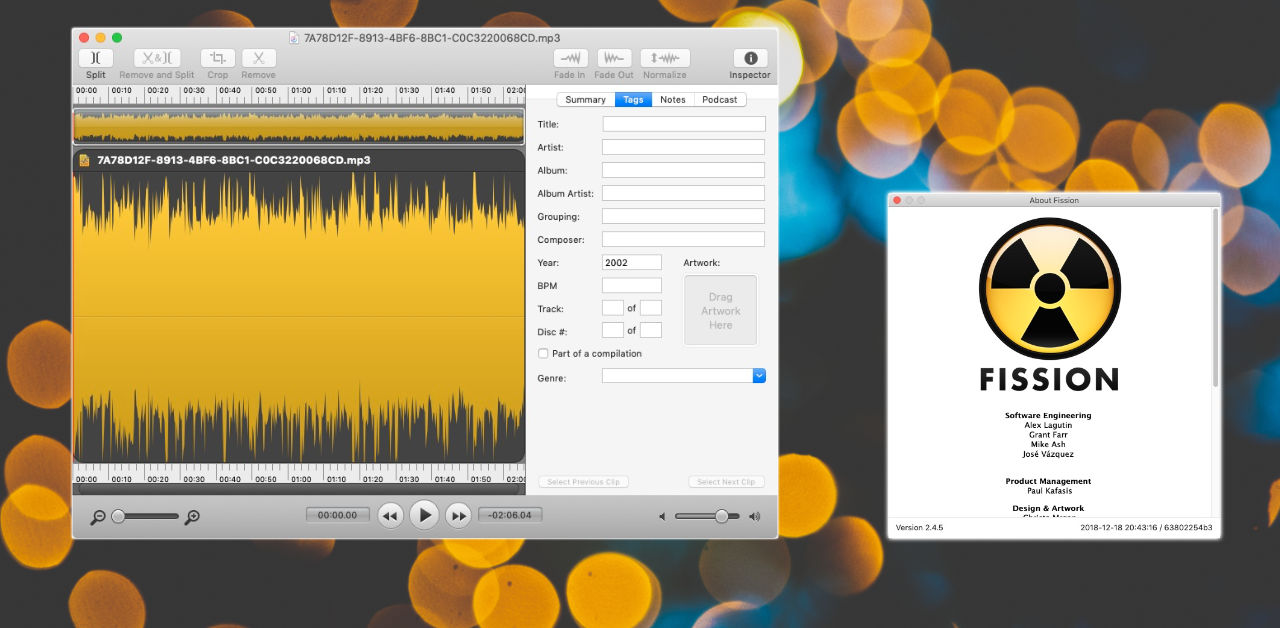
Rogue Amoeba Fission is my go to application whenever I need to deal with basic audio manipulation. I usually use Fission to normalize audio, split up a sound byte or to convert audio formats.
The simple interface allows me to perform my tasks effortlessly and quickly. Even when I haven't use the application for a while, I can get what I need done quickly.
Fission doesn't record audio, so you'll need another app for that.
Why Get Fission?
If you do anything with audio it doesn't hurt to have Fission in your toolbox. It can save a lot of time and make audio editing easy. If your podcasting, then having Fission is essential.
Think of Fission as a helper audio application. It will help make your audio files sound much better.
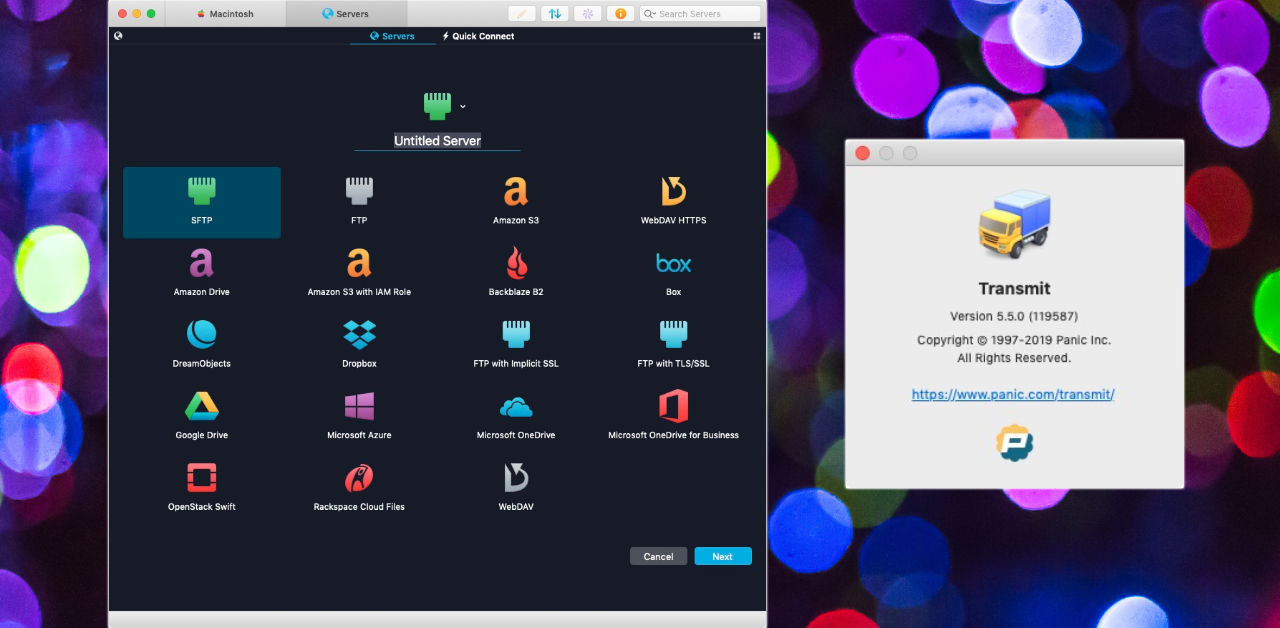
Panic Transmit is my favorite file transfer application.
If I am moving files between my computer and the cloud, I am likely going to be doing it using Transmit.
The interface is very simple to use and they have access to all the popular cloud services. I haven't found a cloud service where Transmit doesn't have access.
I like how you can set bookmark icons and folders making it easy to organize all my cloud connections.
The "Places Bar" allows you to bookmark sites within a particular location - making it easy jumping around folders so much easier.
Why Use Transmit?
I like to think of Transmit as my file transfer application. Using it as a single source makes it easy to have a bookmark of all my cloud applications. I can simply drag and drop files to anyplace on the net.
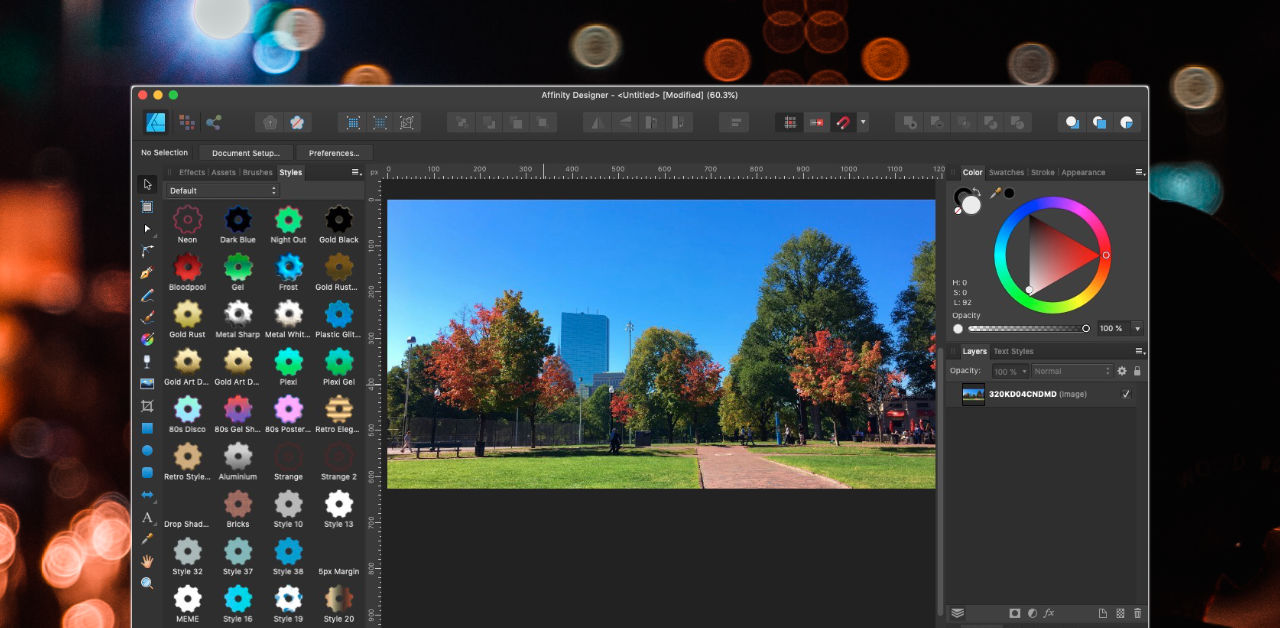
Affinity Designer is a great image layout application. It allows you to create cool images for offline documents or websites.
I use Affinity Designer to design Facebook Ads, school flyers and so much more. One of the things I like about it is that you can keep commonly used graphic files in a area called Assets. This allows me to have access to them quickly.
Some Assets that I have available at my disposal whenever I need it:
- Balloon dialog boxes
- Font Styles - allowing me to quickly use the font face and style when I want.
- Page Corners
- Social Media Logos
- iOS Assets - every once in a while using a standard iOS graphics helps put a pop in the design.
Why get Affinity Designer?
If your looking for a go-between application for Photoshop and Illustrator this is it.
Like any graphic application it does take a bit to learn how to use the application. I would highly recommend joining the Affinity Forums - as there's a great community of users sharing design ideas.